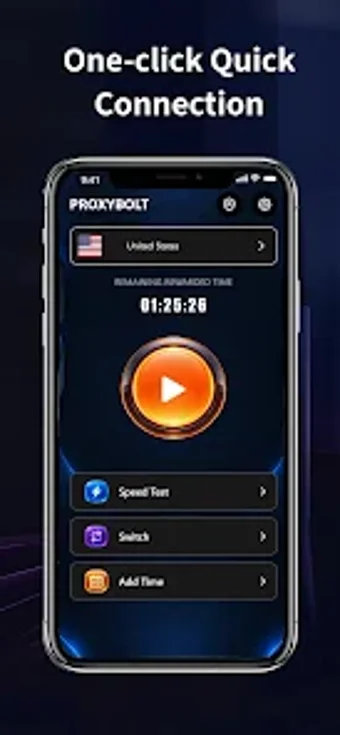
ProxyBolt: one-tap VPN for fast, device-level Android protection
ProxyBolt creates an encrypted tunnel for all device traffic, offering one-tap connection and public Wi-Fi protection across Android devices. The app, from developer adilrana, uses the Android VpnService API to route traffic through its servers and asserts a strict no-logs policy. Its interface emphasizes minimal configuration and quick access to global servers, making it aimed at mobile users who want a low-friction way to mask their IP and access region-restricted content.
What the tool actually does and how it connects
ProxyBolt installs as a device-level VPN and requests VpnService permissions so it can capture and route all network traffic through remote servers. The app establishes an encrypted tunnel for outgoing and incoming packets, which the developer presents as the core privacy mechanism. Connection setup is a one-tap action that selects a server from the app's global network and switches the device route without manual DNS or proxy edits.
How it affects system resources and background operation
The app runs as a VPN service, which means it operates continuously while connected and integrates with the OS networking stack. Because it uses VpnService, the routing happens at the system level rather than per-app. That design offloads packet handling to the service model and keeps configuration minimal; the material notes fast connection speeds under normal mobile networks, implying modest latency impact for everyday browsing and streaming.
Is it safe, and what protections does it provide?
ProxyBolt states a strict no-logs policy and uses strong encryption to protect traffic, and it advertises protection specifically for public Wi-Fi hotspots. The app relies on Android's VpnService API for tunnel creation, which gives it the necessary permissions to intercept traffic. For users who need change recovery or rollback when system-level changes happen, the app's behavior follows the platform VPN model rather than writing to system files.
Who should choose this app and one practical tip
For Android users who want an uncomplicated, device-level VPN, ProxyBolt suits anyone who values quick activation and simple server selection. Advanced users who need per-app routing or enterprise controls may find the single-service model limiting. A practical tip: enable the connection before joining untrusted hotspots to ensure traffic is routed through the encrypted tunnel from the start. Recommended.